Restoration
Reduce damage while preserving the original person, scene, and meaning.
CraftWrite AI Solutions™ · Expanded Edition 2026
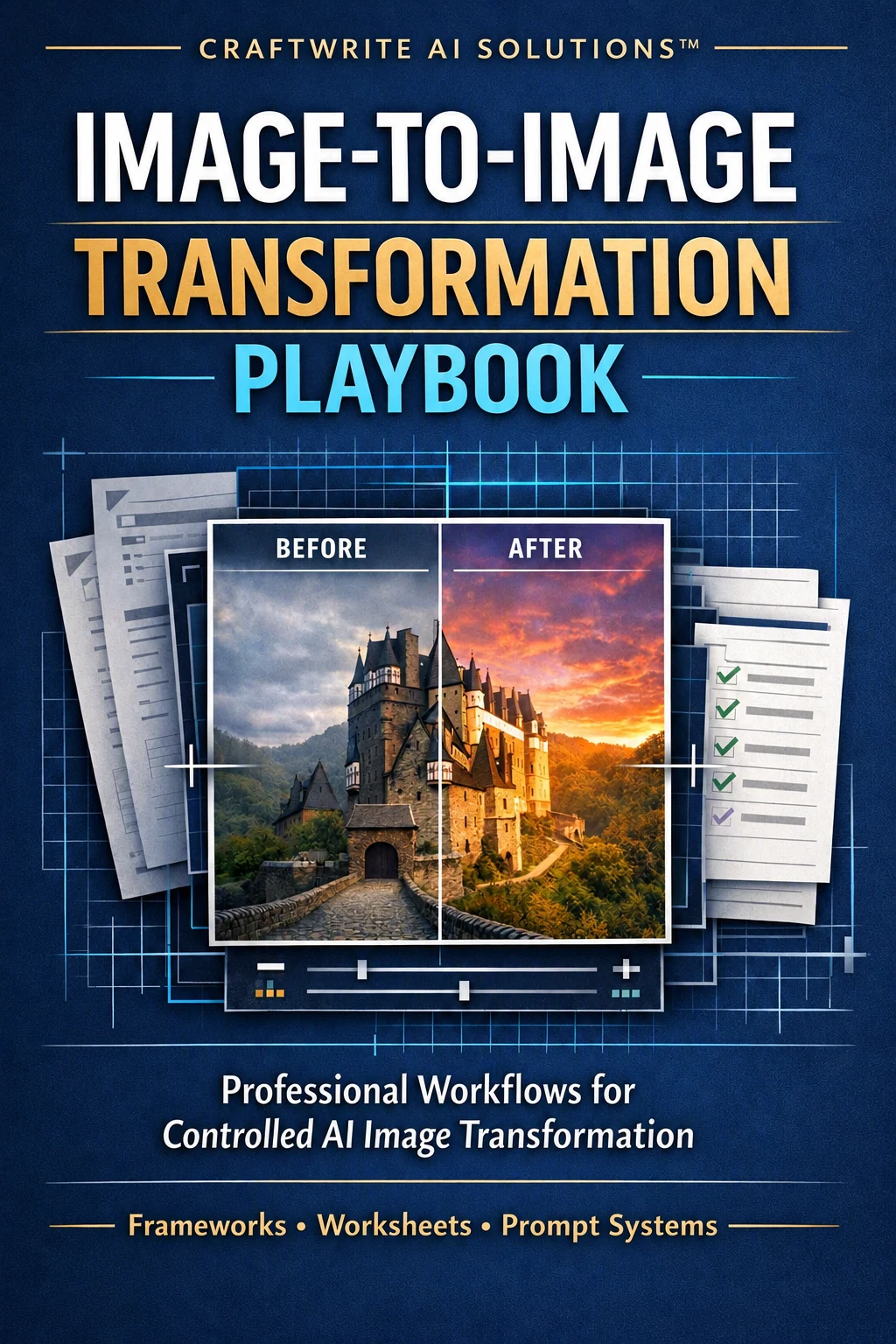
A professional framework for turning source images into usable creative and commercial assets—not just attractive experiments. Define what stays authoritative, what may change, and how a reviewer will judge the result.
Start with the source
Identity, framing, pose, geometry, color, and context are already present. A transformation brief should tell the model which decisions remain authoritative and which may change.
Reduce damage while preserving the original person, scene, and meaning.
Improve texture, light, color, and detail while structure stays stable.
Change a selected layer—such as setting or presentation—while protecting the anchors.
Change the visual medium while keeping agreed structure recognizable.
Explore a new concept while retaining only the agreed source anchors.
Preservation priority ladder
Assign a control level before writing the prompt. This makes both creative direction and review more specific.
Must remain stable
Identity, product silhouette, approved logo placement, or critical architecture.
Minor variation only
Pose, crop, wardrobe anchors, and important color relationships.
Change within the brief
Lighting, environment, atmosphere, and selected secondary details.
Creative interpretation allowed
Decorative accents and details that do not compete with the purpose.
Master Preservation Prompt Builder™
Give every instruction block one job. If something drifts, you can inspect and refine the responsible part instead of rewriting an overstuffed paragraph.
Name the exact source evidence that must remain.
Improve existing quality without silently redesigning the scene.
Specify only the layer or elements meant to transform.
Set direction, softness, color, contrast, and limits.
Describe setting, depth, perspective, and included details.
Choose a visual language that serves the communication goal.
Use framing and optical cues only when they support the source.
Describe observable finish requirements, not empty superlatives.
Block likely category, mood, and story failures.
Professional practice
Commercial readiness also depends on permission, factual accuracy, review ownership, traceability, and a clear delivery decision.
Three-version refinement loop
Score preservation separately from transformation success. Keep what worked, diagnose what failed, and make the next change deliberately.
Test the main preserve-and-change idea with minimum viable instructions.
Apply the complete prompt architecture and review each block.
Correct one observed issue while keeping successful decisions intact.
Useful review anchors: identity retention, composition, geometry or product accuracy, brand accuracy, transformation success, and one next revision.
Name visible anchors—such as silhouette, label placement, crop, perspective, and facial expression—instead of relying on vague commands.
Separate enhancement from redesign. Refine lighting, environment, style, or camera cues only when each supports the intended use.
Get permission to upload, transform, publish, or sell source images. Do not create deceptive endorsements or alter evidence.
Educational information only; this overview is not legal, intellectual-property, privacy, advertising, or professional advice. Results vary by image model and settings. Review platform terms and applicable consent, license, and legal requirements.
Image-to-Image catalog
The catalog owns product names, previews, prices, and purchase eligibility. Add eligible products to the shared cart and finish checkout through Stripe.
Image-to-image · CraftWrite AI Solutions™
Ask about the expanded playbook or explore the full product series.